Project visuals
Interface screenshots, reconstructed deliverable extracts and workflow illustrations are labelled. All visuals use fictional content and metadata, with client branding removed. Select an image to view it full size.
The engagement
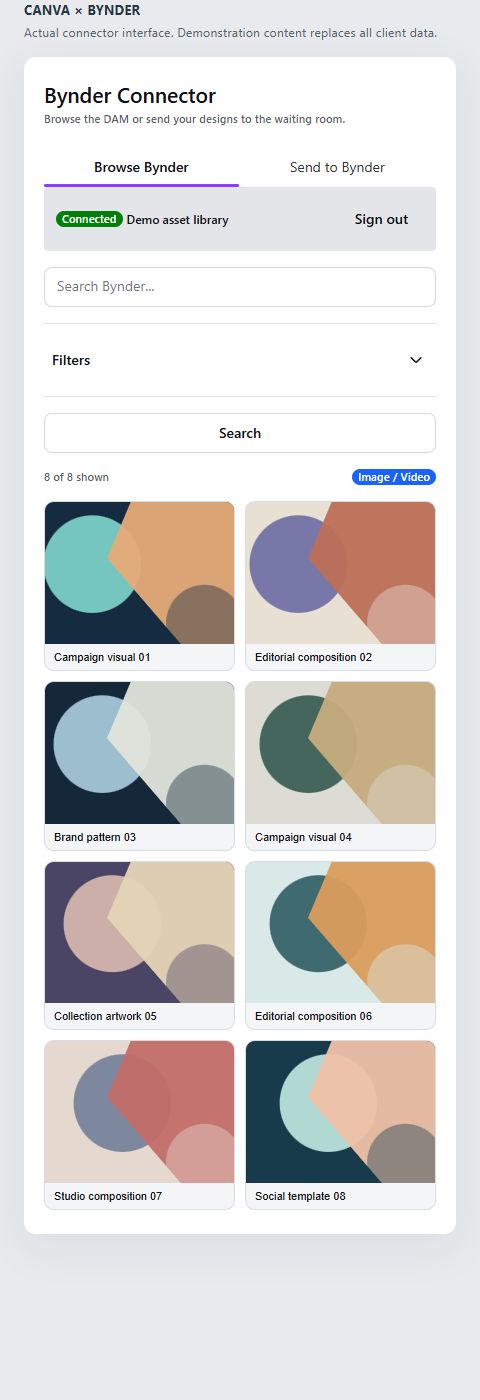
Creative teams needed to find DAM assets inside Canva and bring finished designs back into the same content workflow. The project covers both directions through an app integrated into the editor.
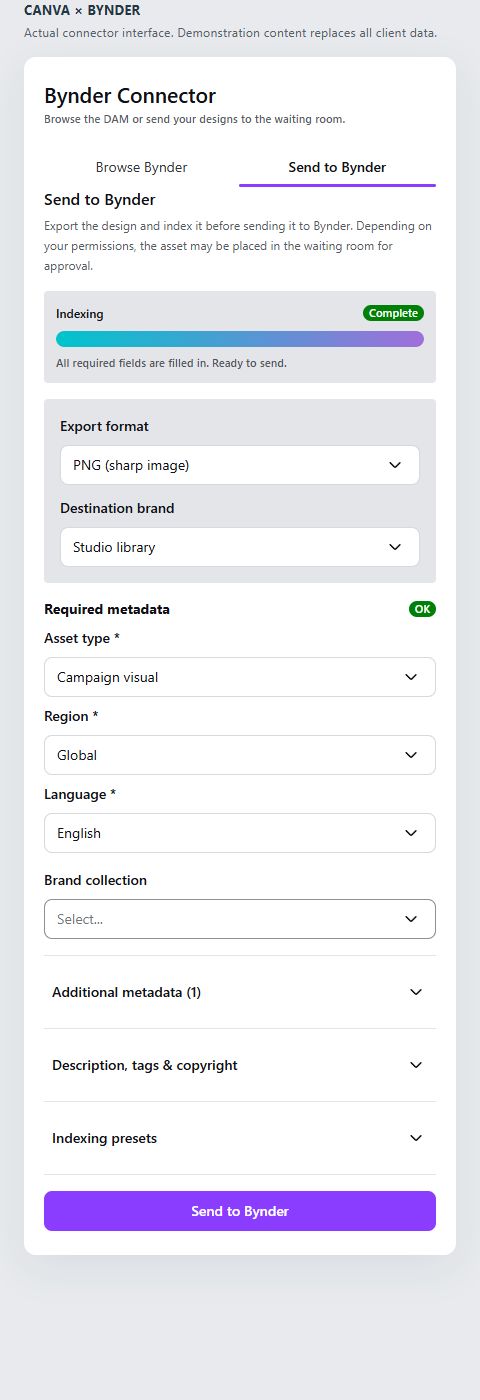
We developed a Canva app for browsing and selecting Bynder assets, together with a workflow for exporting designs back to Bynder. A backend handles OAuth connection and forwards DAM requests in the user’s context. The send workflow prepares the information attached to the design and reports upload status.
The developed scope covers browsing, asset use and returning creative work to the DAM. Export formats, metadata and approval handling are configured around the target portal’s rules.
Takeaway
A takeaway for your project
We brought Bynder asset browsing and the return of Canva designs into one custom app.
Technologies
- Bynder
- Canva
- React
- TypeScript
- Node.js
- OAuth 2.0
Your next step
Do your teams create in Canva?
Share your Canva workflow, Bynder portal and approval rules to scope how assets and designs should flow between them.
Discuss your project