
An image needs to reach the right product record, stay current and be withdrawn when it can no longer be used. That scenario is more useful when choosing a Bynder connector than a list of compatible platforms. We recommend assessing an existing solution first, then estimating the gaps demonstrated against your workflows.
Start with the catalogue and define the need
The Bynder marketplace lists existing integrations. The Bynder developer portal also brings together APIs, SDKs and components for building integrations. These routes can address different needs and may complement each other.
A listing for your platform is a starting point. Next, request a demonstration of your scenario: manual selection or automated delivery, direction of flow, product variants and withdrawal conditions. The supplier should identify the supported scope and anything that requires additional configuration. Ask whether the demonstration uses the same product edition and deployment context as yours.
For an editorial website, the requirement may concern selecting images, managing them in the CMS and rendering published pages. Our Bynder, WordPress and Elementor page sets out the questions to scope for these workflows. Use them to verify the expected coverage before choosing a solution.
Give every supplier the same brief
Before the demonstrations, describe one workflow with its events and owners. We clarify five areas so that proposals can be compared on equivalent terms:
- Objects: the files, asset references, metadata, products and variants involved.
- Rules: matching identifiers, authoritative fields and how ambiguous matches are handled.
- Lifecycle: creation, replacement, rights changes, archiving and withdrawal.
- Expected service: an acceptable propagation delay and the consequences of falling behind.
- Operations: visibility of rejected items, incident recovery and ownership of each decision.
A useful example also includes something that should be rejected. An image without a reliable product match needs an explainable outcome. Ask to see how that situation reaches the people responsible for resolving it. This is part of the workflow, alongside successful transfers.
If the workflow involves product records, our guide to preparing a Bynder and PIM integration details the identifiers, variants and withdrawal rules to document in this brief.
Identify what justifies custom development
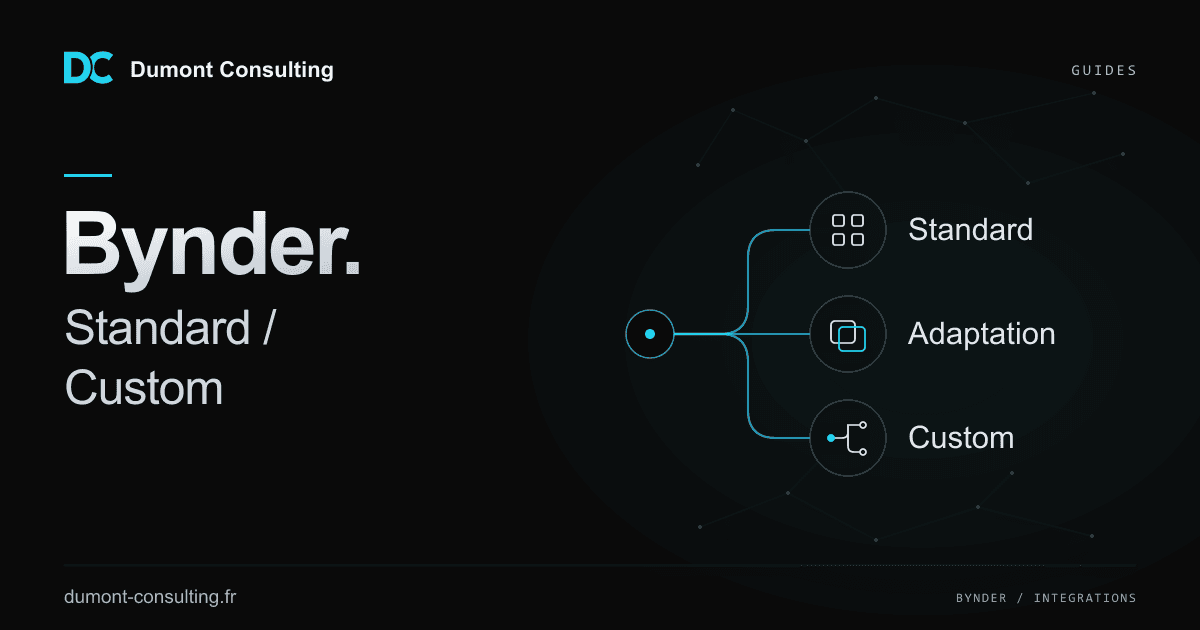
A documented gap does not automatically mean rebuilding the whole connector. We distinguish three possible outcomes:
- Configure the standard product: it supports the scenario and provides the rules you need.
- Extend the standard product: a limited addition resolves the gap, with maintenance and responsibilities clearly assigned.
- Build a dedicated workflow: matching rules, repositories or publishing constraints require processing the existing solution does not cover.
Our DAM and inRiver middleware case study describes a delivered solution involving two separate instances and continuity during a DAM change. The Akeneo and Bynder case study describes a feasibility and specification engagement. These deliverables support different stages of a decision; a feasibility report does not establish that a connector was subsequently deployed.
Our DAM, PIM and CMS integration engagements help compare these scopes while distinguishing delivered implementations, feasibility studies and scoping work.
Compare the cost of running the workflow
The budget needs to cover implementation and ongoing operation: any subscription, configuration, mapping changes, API changes, monitoring and rejection handling. Ask who responds when an expected value disappears, access is revoked or a job stops halfway through.
For both standard and custom options, record the necessary access rights, dependencies and handover arrangements. A commercial proposal should identify deliverables, exclusions and maintenance ownership. You can then compare prices against a common scope. Agree which business decisions remain with your team and which incidents the supplier will investigate, including the evidence needed for that investigation.
A checklist before choosing
- Have the future user validate the business scenario.
- Test a representative sample that includes exceptions.
- Document each gap and its effect on publishing.
- Request a proposal covering acceptance, operations and maintenance.
- Decide whether the gaps require an extension or a separate development.
Frequently asked questions
Does a standard connector remove the need for scoping?
Scoping still establishes its fit with the data and assigns responsibilities. It can lead to a straightforward configuration when the required scenario is supported.
Does one missing rule mean rebuilding the whole connector?
We first assess whether a limited extension is sufficient. That option needs to remain understandable to maintain and compatible with the chosen product.
The deliverable that supports your decision
Scoping should leave you with a written comparison: supported scenarios, remaining gaps, recommended scope, exclusions and maintenance responsibilities. Use it to choose an approach and request comparable estimates, without treating a successful demonstration as complete acceptance testing.
Our custom Bynder integration service sets out the method and relevant work. To start, tell us the platforms, expected workflow and target timeline. We will identify the checks needed to choose between the options.